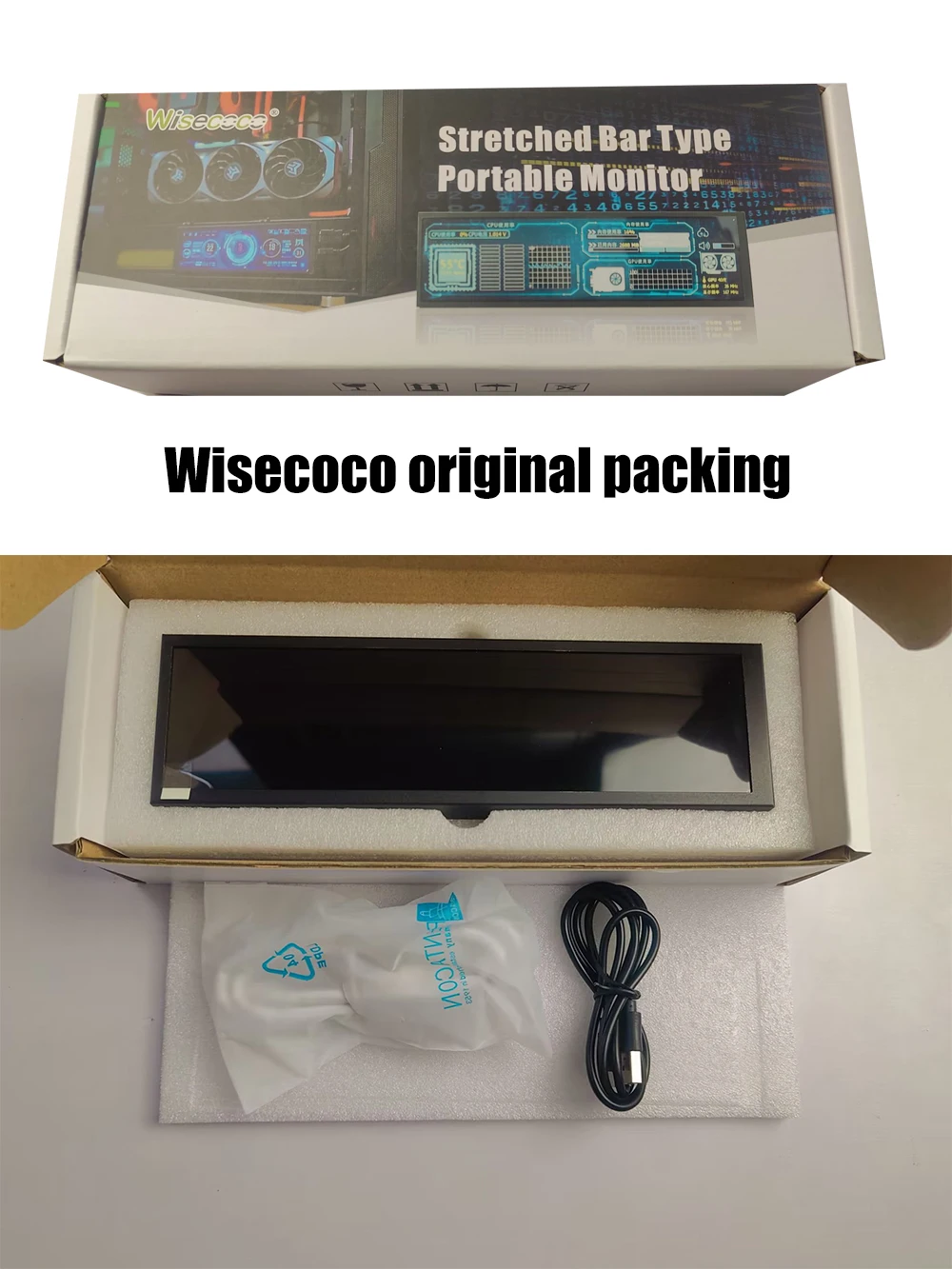
7.9 Inch 400X1280 IPS AIDA64 Mini Gaming Monitor CPU Temperature Display HDMI Secondary Monitor for Computer Case Raspberry Pi


7.9 Inch 400X1280 IPS AIDA64 Mini Gaming Monitor CPU Temperature Display HDMI Secondary Monitor for Computer Case Raspberry Pi
Quick user guide
HMDI to Mini HDMI cable for signal transmission
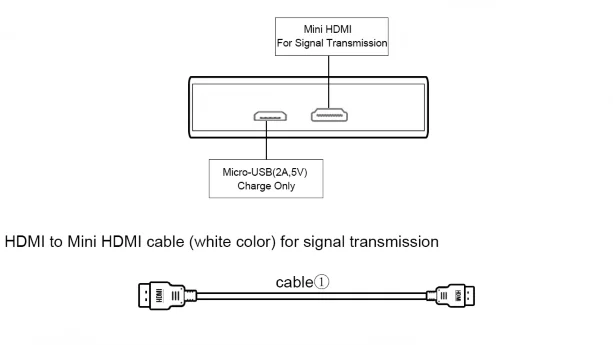
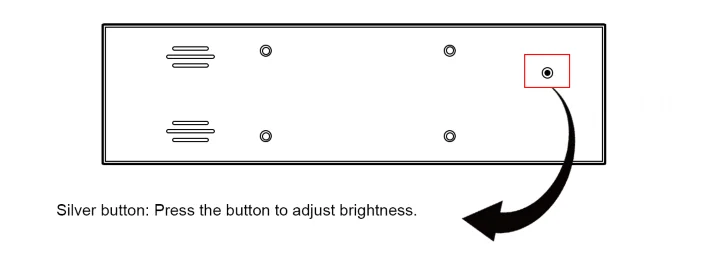
USB A to Micro-USB(5V/2A) cable for charge
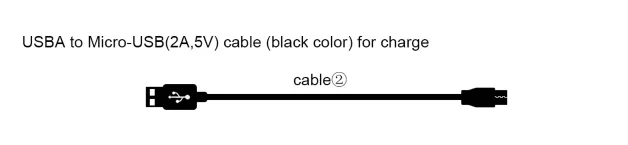
Silver button on the back : press the button to adjust brightness
Color |
Black |
Products Status |
New |
Application |
Desktop |
Response Time |
5ms |
Brightness |
500cd/m |
Interface Type |
HDMI input, Micro usb |
Contrast Ratio |
900:1 |
Brand Name |
wisecoco |
Place of Origin |
China |
Touch |
no |
Speaker |
no |
Product Name |
7.84 inch PC Second Monitor |
Panel |
IPS |
Screen Size |
7.84 inch |
Backlight |
LED Backlight |
Viewing Angle |
178 |
MOQ |
1pcs |
Keyword |
Computer Pc Monitor |
Condition |
100% Original |
Display color |
16.7M(8-bit) |
Three mode |
Extended screen,Copy screen,Split screen |
Widely Compatibility:Secondary Screen for computer, Connect your laptop, PC, It works perfectly with Windows, Raspberry pi System. it can be used as Aida64 sub second screen CPU GPU monitoring .
Connect to computer:
Connect one end of the included HDMI cable to the computer and the other end to the monitor.
※ If the monitor does not have a touch function, the USB cable only provides power for the monitor, just connect it to a computer or a USB adapter (current ≥ 0.3A).
※ If the monitor has a touch function, the USB cable needs to be directly connected to the USB interface with data transmission function of the Windows system host. At this time, the USB cable transmits power and touch signals.
Please note:
Please connect the HDMI cable directly to the native HDMI port of the computer, because the resolution of the display screen is special, not all docking station support 400×1280 resolution output.
Connect to Raspberry Pi:
When used on Raspberry Pi, you need to modify the "config.txt"
Add the following code to the config.txt file:
max_usb_current=1
hdmi_group=2
hdmi_mode=87
hdmi_timings=400 0 100 10 140 1280 10 20 20 2 0 0 0 60 0 43000000 3
Note: If it is Raspberry Pi 4, you also need to comment out dtoverlay=vc4-fkms-V3D.
Package list:
1x 7.84" Monitor
1x HDMI to mini HDMI cable
1x USB to mirco USB cable